Your own AI,
built around your life.
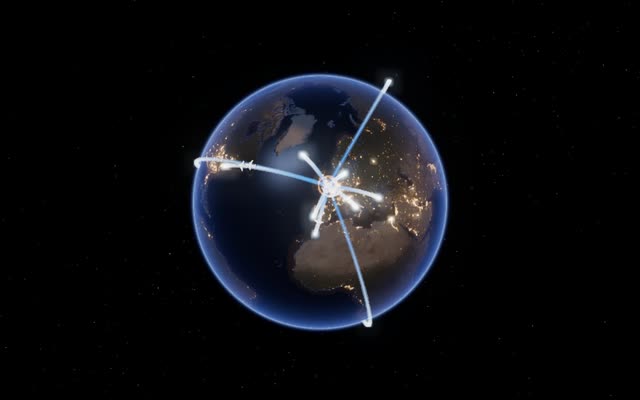
Your agenda, broken down for you — or worlds you can walk through. Built from your life, on your own Claude, privately on your Mac.
Download for MacSam is a Mac app. Send yourself the link and open it on your Mac. The iPhone app is coming soon on TestFlight.
Free for the first 500 people · Mac with Apple silicon, macOS 15 or later · iPhone app coming soon · Join the iPhone beta
Three steps,
and you’re in.
- Open Sam.dmgIt’s in your Downloads — click the arrow at the right of your Dock.
- Drag Sam to ApplicationsThen open Sam from your Applications folder.
- Say what Sam is forAfter your Travel Atlas, choose: your agenda and to-dos, or worlds. Either is ready in a minute.
Download didn’t start? Try again. Got an invitation? Open its link once Sam is installed.
 Claude
 Claude

Or keep your life in order
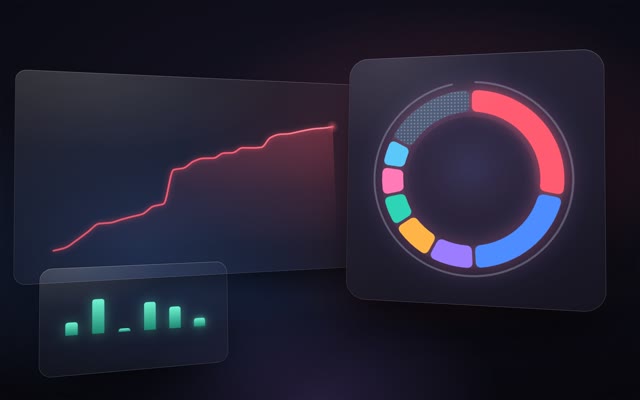
Say everything on your plate. Get today’s four.
- Your plate, planned. Write it the way you’d say it — your own AI turns it into today’s four and your projects, step by step.
- It looks first. With your OK, Sam reads your calendar, your flagged emails and your reminders on your Mac, and suggests what matters.
- Hard choices, scored. A choice between options gets a decision matrix you fill in — the weights are yours.
- ✦ Plan my day. One tap picks today’s four from everything open, and says why.
TODAY · TUESDAY✓ 1 done
Send the Q4 deck to PriyaToday
Compare the two offers side by sideNext job
Book flights to LisbonFriday
Call MumSunday
Sam’s maker can’t see your photos, your information or your permissions.
- It runs on your Mac.Your photos, health, money and books are read there — never by us.
- Your own AI.Sam asks your own Claude or ChatGPT, under your account — never ours.
- Your iPhone, sealed.Its copy of your worlds is end-to-end encrypted — only your devices can read it.
- Nothing to sell.No ads. Usage counts only if you say Share — never what’s in anything.
How Sam handles your data · Delete your account any time.